The Future of Living Starts at Home
Imagine waking up to blinds that open automatically, coffee brewing without you stepping into the kitchen, lights adjusting based on natural sunlight, and security cameras monitoring your home in real time all controlled from your smartphone.
This is not science fiction. This is modern living powered by Smart Home Systems.
Over the past few years, home automation has evolved from luxury convenience to practical necessity. Homeowners across the world are now adopting connected technologies to enhance comfort, security, energy efficiency, and overall lifestyle quality. Whether you’re a tech enthusiast or a complete beginner, understanding how Smart Home Systems work can help you transform your living space into an intelligent, responsive environment.
This beginner-friendly guide will walk you through everything: devices, features, installation steps, costs, benefits, and future trends in clear and professional language.
Let’s begin.
What Are Smart Home Systems?
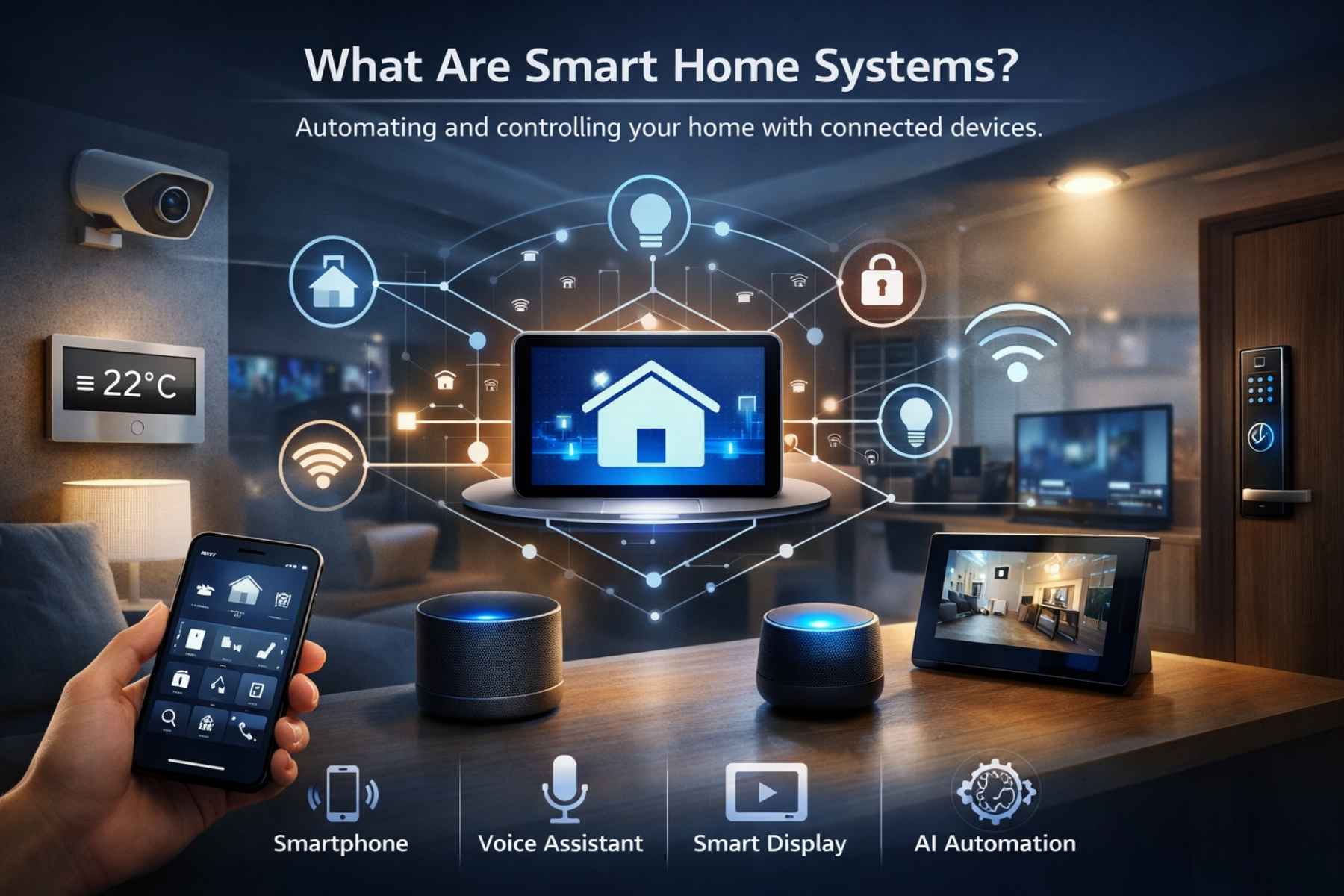
Smart Home Systems are integrated networks of connected devices that automate and control various household functions such as lighting, temperature, security, entertainment, and appliances. These systems operate through internet connectivity, wireless protocols, and centralized control hubs.
Instead of manually operating switches or appliances, users can control their home using:
- Smartphones
- Voice assistants
- Tablets
- Smart displays
- Automated schedules
- AI-based triggers
At the core of Smart Home System lies the concept of IoT (Internet of Things), where devices communicate with each other through a secure network.
Example:
- A smart thermostat lowers the temperature when you leave home.
- Motion sensors turn lights on automatically.
- Smart locks allow remote access to guests.
- Security cameras send real-time alerts.
In simple terms, Smart Home Systems make your house think, respond, and adapt.
Why Smart Home Technology Is Growing Rapidly
The global demand for home automation is increasing due to:
1. Convenience
Control everything from one app or voice command.
2. Energy Efficiency
Reduce electricity bills with smart thermostats and lighting automation.
3. Security
Monitor your home 24/7 from anywhere in the world.
4. Remote Accessibility
Manage appliances even when you’re traveling.
5. AI & Automation
Devices learn your behavior and optimize settings automatically.
As internet connectivity improves worldwide, Smart Home Systems are becoming more affordable and accessible for everyday homeowners, not just luxury property owners.
Core Components of Smart Home Systems
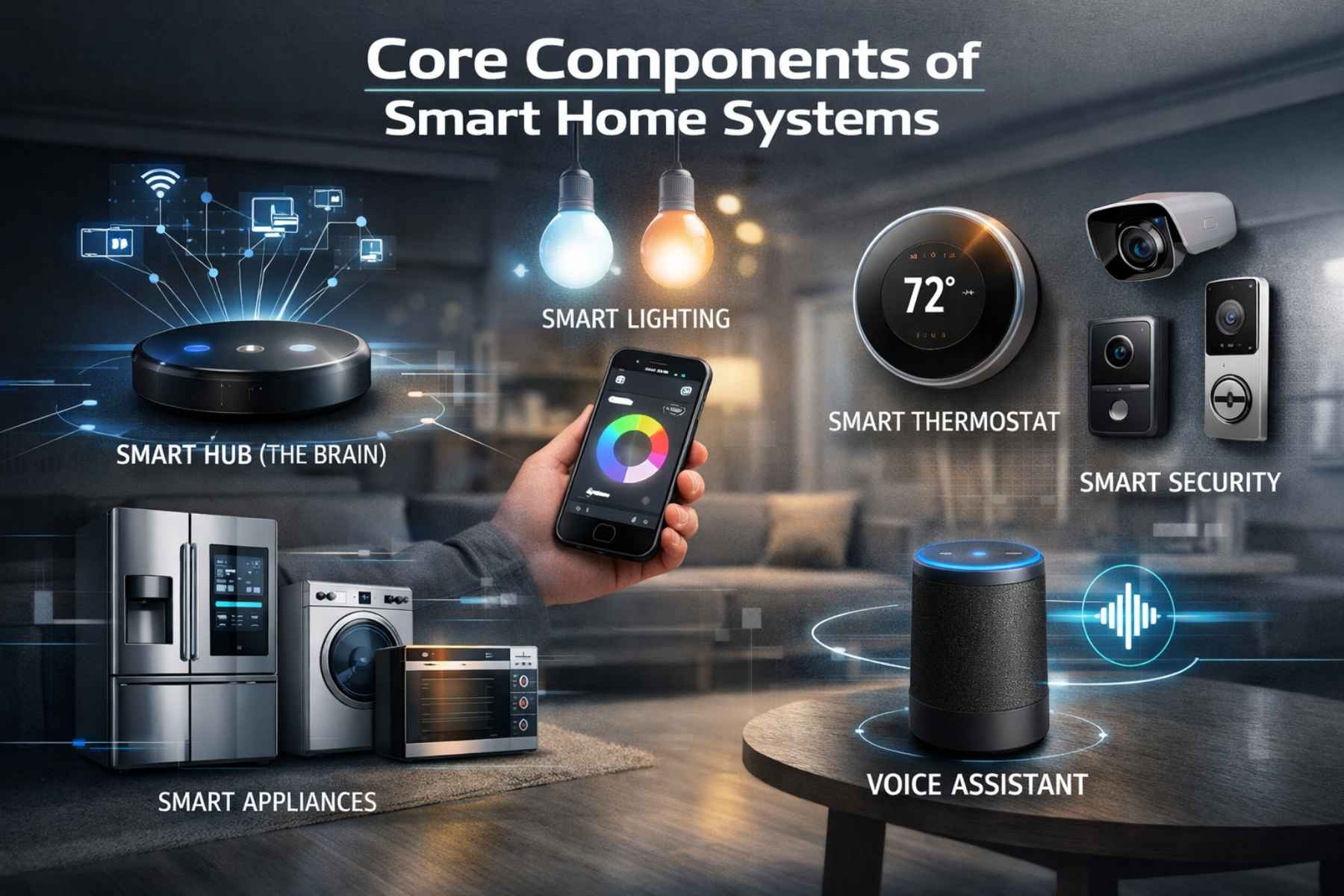
To understand installation and setup, you must first know the key components.
1. Smart Hub (The Brain)
The hub connects and coordinates all smart devices. It allows communication between different devices and ensures smooth automation.
Some systems operate without a physical hub (cloud-based control), but many advanced Smart Home Systems use one for better stability and security.
2. Smart Lighting
Smart bulbs and switches allow you to:
- Adjust brightness remotely
- Change colors
- Schedule lighting routines
- Automate based on motion
Lighting is usually the first upgrade beginners choose because installation is simple and affordable.
3. Smart Thermostats
These devices learn your temperature preferences and automatically adjust heating and cooling. Over time, they help reduce energy costs significantly.
4. Smart Security Devices
This category includes:
- Smart cameras
- Motion detectors
- Smart doorbells
- Window sensors
- Smart locks
Security-focused Smart Home Systems are among the most popular because they offer peace of mind and remote monitoring.
5. Smart Appliances
Modern appliances like refrigerators, washing machines, air conditioners, and ovens now offer Wi-Fi connectivity and remote control options.
6. Voice Assistants
Voice assistants act as controllers for Smart Home Systems, allowing hands-free operation. You can turn off lights, adjust temperature, or check camera feeds using simple voice commands.
How Smart Home Systems Work
The functionality of Smart Home Systems depends on three main technologies:
1. Connectivity Protocols
Devices connect using:
- Wi-Fi
- Bluetooth
- Zigbee
- Z-Wave
- Matter (new universal standard)
These protocols enable device communication.
2. Automation Rules
Automation allows devices to perform actions automatically based on:
- Time schedules
- Location (geofencing)
- Motion detection
- Temperature changes
- Voice triggers
Example: “When motion is detected after 10 PM, turn on hallway lights.”
3. Cloud & Mobile Apps
Most Smart Home Systems use cloud platforms and mobile apps for control and monitoring. Through apps, users can:
- Check live camera feeds
- Control devices
- Create routines
- Receive alerts
- Track energy usage
Benefits of Installing Smart Home Systems
Let’s break down the major advantages beginners can expect.
Improved Home Security
Real-time alerts, remote surveillance, and smart locks drastically improve home safety.
Lower Energy Bills
Smart thermostats and lighting reduce unnecessary power consumption.
Increased Property Value
Homes equipped with Smart Home Systems often have higher resale value.
Better Accessibility
Elderly or disabled individuals benefit from voice-controlled devices and automation.
Time Savings
Automation handles repetitive tasks, saving daily effort.
Are Smart Home Systems Safe?
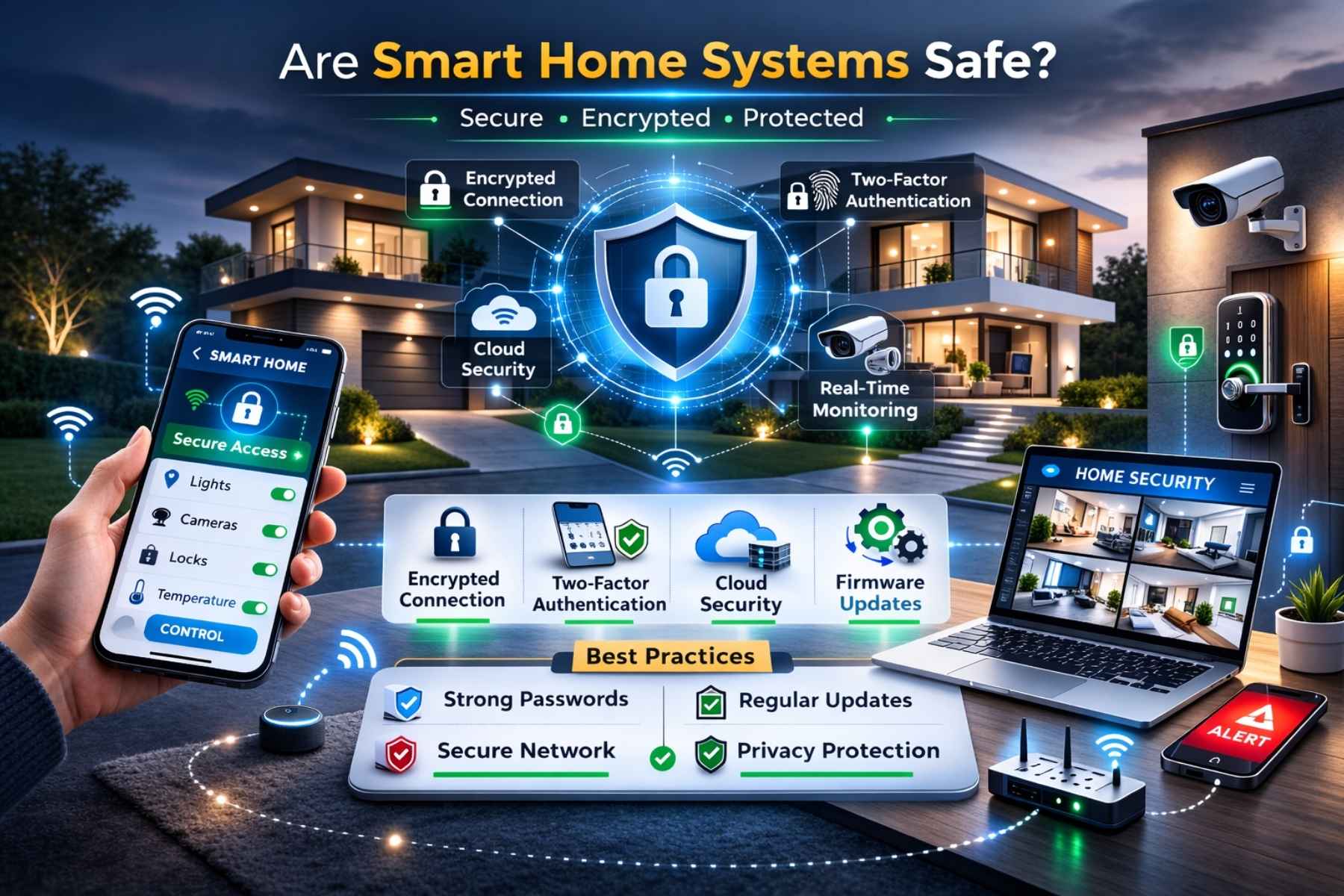
Security is one of the biggest concerns beginners have.
Modern Smart Home Systems use:
- Encrypted connections
- Two-factor authentication
- Secure cloud storage
- Firmware updates
However, users must also:
- Use strong passwords
- Regularly update devices
- Avoid public Wi-Fi control
When configured properly, smart homes are highly secure.
Is It Expensive to Get Started?
One of the biggest myths is that home automation costs thousands of dollars.
In reality:
- Basic setup can start under $200
- Smart bulbs are affordable
- Entry-level security cameras are budget-friendly
- Gradual upgrades are possible
You don’t need to automate everything at once. Start small and expand your Smart Home Systems over time.
Choosing the Right Smart Home Ecosystem
Before installing any devices, beginners must choose a compatible ecosystem. A smart home ecosystem ensures that all devices communicate smoothly within your Smart Home Systems setup.
The three most popular ecosystems today include:
1. Amazon Alexa Ecosystem
Alexa works with thousands of smart devices. It is beginner-friendly, affordable, and highly compatible.
Best for:
- Budget setups
- Voice control
- Large device variety
2. Google Home Ecosystem
Google Home integrates seamlessly with Android devices and Google services.
Best for:
- Android users
- AI-powered automation
- Smart displays integration
3. Apple HomeKit Ecosystem
HomeKit focuses on privacy, security, and premium integration.
Best for:
- iPhone users
- Secure environments
- High-end Smart Home Systems
Which One Should Beginners Choose?
If you already use a specific smartphone ecosystem, choose the matching platform. This ensures smoother compatibility and fewer technical issues.
Consistency is key when building Smart Home Systems. Mixing incompatible brands can create frustration later.
Step-by-Step Guide to Installing Smart Home Systems
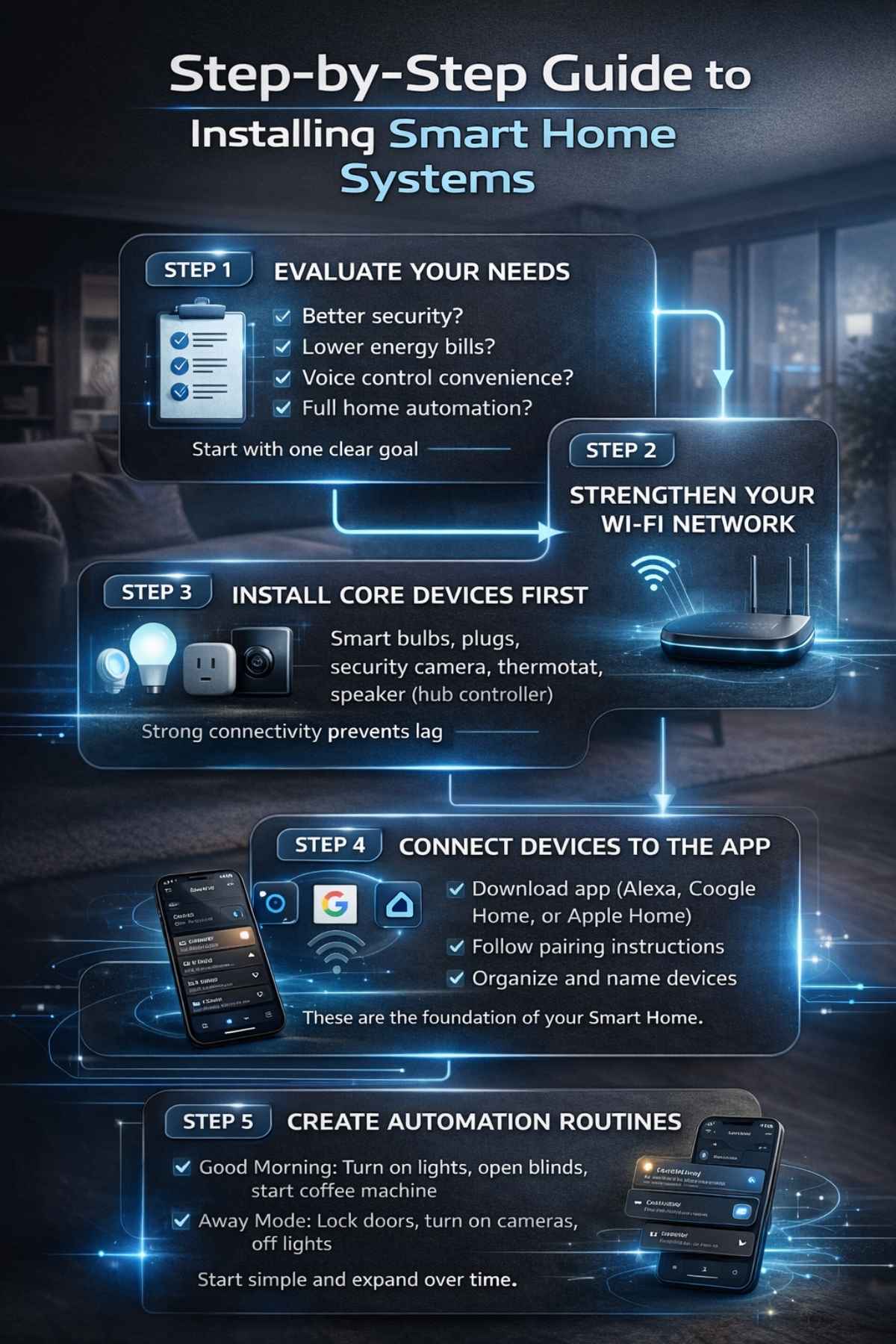
Installing Smart Home Systems is easier than most beginners expect. Follow this structured approach:
Step 1: Evaluate Your Needs
Ask yourself:
- Do you want better security?
- Do you want lower energy bills?
- Do you want voice control convenience?
- Do you want full home automation?
Start with one clear goal.
Step 2: Strengthen Your Wi-Fi Network
Since most Smart Home Systems rely on internet connectivity:
- Upgrade to a reliable router
- Ensure full coverage across your home
- Consider mesh Wi-Fi if your home is large
Strong connectivity prevents lag and disconnection issues.
Step 3: Install Core Devices First
For beginners, the recommended starting devices are:
- Smart bulbs
- Smart plugs
- Smart security camera
- Smart thermostat
- Smart speaker (hub controller)
These form the foundation of Smart Home Systems.
Step 4: Connect Devices to the App
Download the ecosystem app (Alexa, Google Home, or Apple Home).
- Follow in-app pairing instructions
- Connect devices to Wi-Fi
- Assign device names
- Organize rooms
Clear labeling makes automation easier later.
Step 5: Create Automation Routines
Automation is where Smart Home Systems truly shine.
Examples:
- “Good Morning” routine: Lights on + blinds open + coffee machine on
- “Away Mode”: Lock doors + activate cameras + turn off lights
- Night mode: Dim lights + lower thermostat
Start simple and expand gradually.
Budget Planning for Smart Home Systems
A beginner-friendly budget breakdown:
| Category | Estimated Cost (Basic Setup) |
| Smart Bulbs (4–6) | $60–$120 |
| Smart Speaker | $40–$100 |
| Smart Security Camera | $50–$150 |
| Smart Thermostat | $100–$250 |
| Smart Plugs (2–4) | $30–$80 |
Total Starter Budget: $250 – $600
Remember: Smart Home Systems are scalable. You can expand over time without replacing your initial setup.
Common Beginner Mistakes to Avoid
Many users rush into automation without planning. Avoid these mistakes:
1. Buying Random Devices
Always check compatibility before purchasing.
2. Ignoring Security Settings
Enable two-factor authentication immediately.
3. Weak Wi-Fi Infrastructure
Poor connectivity causes most technical issues.
4. Over-Automation
Too many automations can become confusing. Keep routines simple.
5. Not Updating Firmware
Regular updates protect your Smart Home Systems from vulnerabilities.
Smart Home Systems and Energy Efficiency
One of the strongest advantages of Smart Home Systems is energy optimization.
Smart Thermostats
Automatically adjust heating and cooling based on occupancy.
Smart Lighting
Turns off automatically when no motion is detected.
Energy Monitoring Plugs
Track electricity usage in real-time.
Over time, automation can reduce energy bills by 10–30%, depending on usage habits.
Security Considerations for Beginners
While Smart Home Systems improve safety, they must be secured properly.
Follow these best practices:
- Use strong, unique passwords
- Enable device encryption
- Separate smart devices on a guest network
- Regularly update apps
- Disable unused features
Digital security is as important as physical security.
How Scalable Are Smart Home Systems?
Scalability is one of the biggest advantages.
You can start with:
- One smart bulb
- One smart plug
And gradually upgrade to:
- Full home security integration
- Automated HVAC systems
- Smart irrigation systems
- Whole-home audio
Smart Home Systems grow with your budget and needs.
Voice Control vs App Control
Both control methods have advantages:
Voice Control
- Hands-free convenience
- Ideal for daily routines
- Quick commands
App Control
- Full customization
- Advanced automation
- Remote monitoring
Most Smart Home Systems allow both simultaneously.
Smart Home Systems for Apartments vs Houses
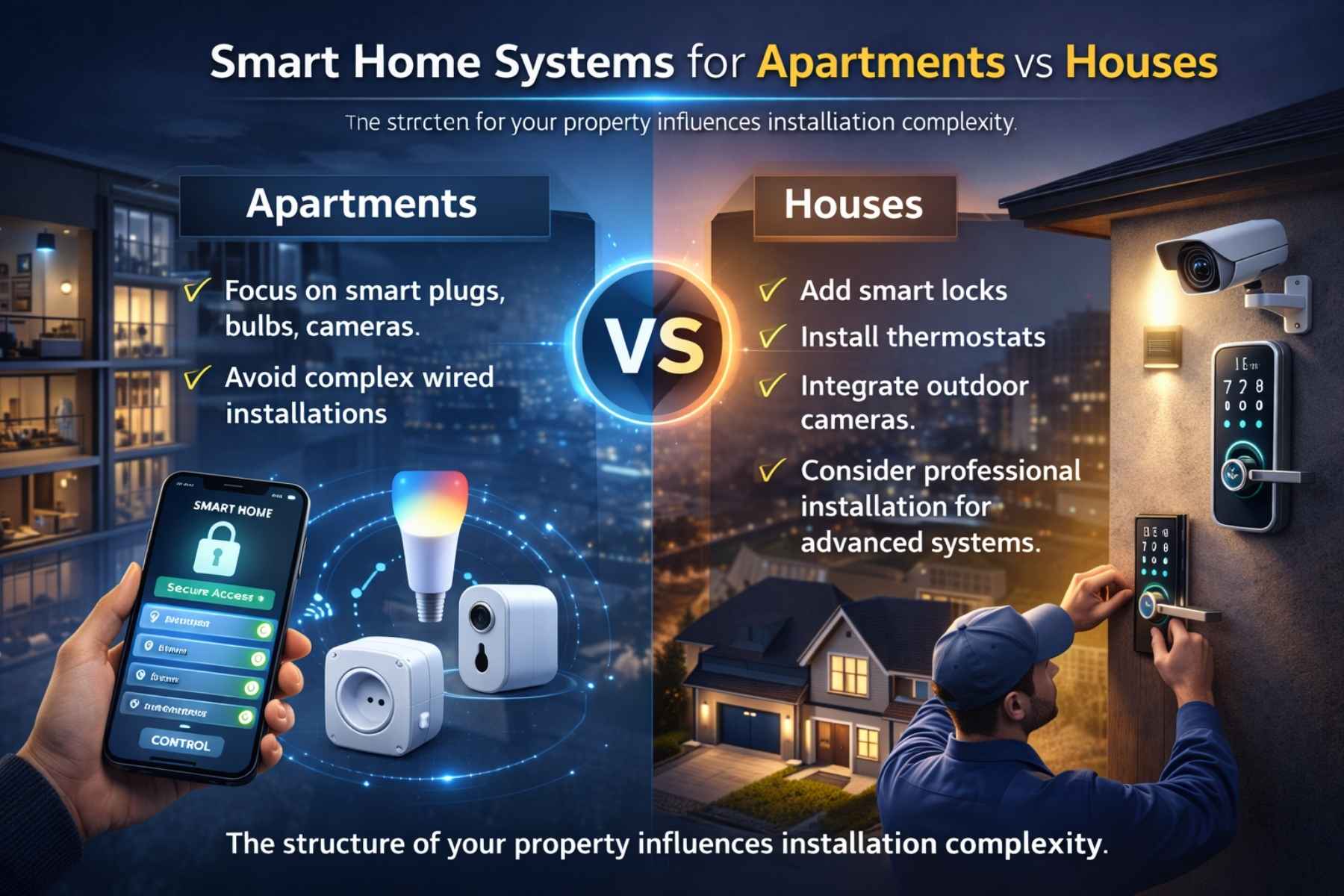
Apartments
- Focus on smart plugs, bulbs, cameras
- Avoid complex wired installations
Houses
- Add smart locks
- Install thermostats
- Integrate outdoor cameras
- Consider professional installation for advanced systems
The structure of your property influences installation complexity.
Advanced Automation Strategies in Smart Home Systems
Once beginners are comfortable with basic routines, they can move toward advanced automation. This is where Smart Home Systems become truly intelligent.
Advanced automation connects multiple devices into synchronized workflows.
Multi-Device Automation Example
Instead of just turning on a light, a single trigger can:
- Unlock the door
- Turn on hallway lights
- Adjust thermostat
- Play background music
- Disable security alarm
All from one command or trigger.
This level of coordination transforms Smart Home Systems from convenience tools into fully automated living environments.
AI Integration in Smart Home Systems
Artificial Intelligence is reshaping how Smart Home Systems operate.
Unlike traditional automation (which follows fixed rules), AI-powered systems:
- Learn your behavior patterns
- Predict preferences
- Adapt automatically
- Provide energy-saving suggestions
For example:
If you consistently lower the thermostat at 10 PM, AI learns this habit and begins doing it automatically.
Over time, Smart Home Systems become proactive instead of reactive.
Machine Learning and Predictive Automation
Modern Smart Home Systems use machine learning algorithms to:
- Detect unusual activity
- Identify energy waste
- Suggest optimized schedules
- Recognize voice commands more accurately
This means your home becomes smarter the longer you use it.
Predictive automation reduces manual adjustments and improves efficiency without extra effort.
Smart Home Systems and Renewable Energy Integration
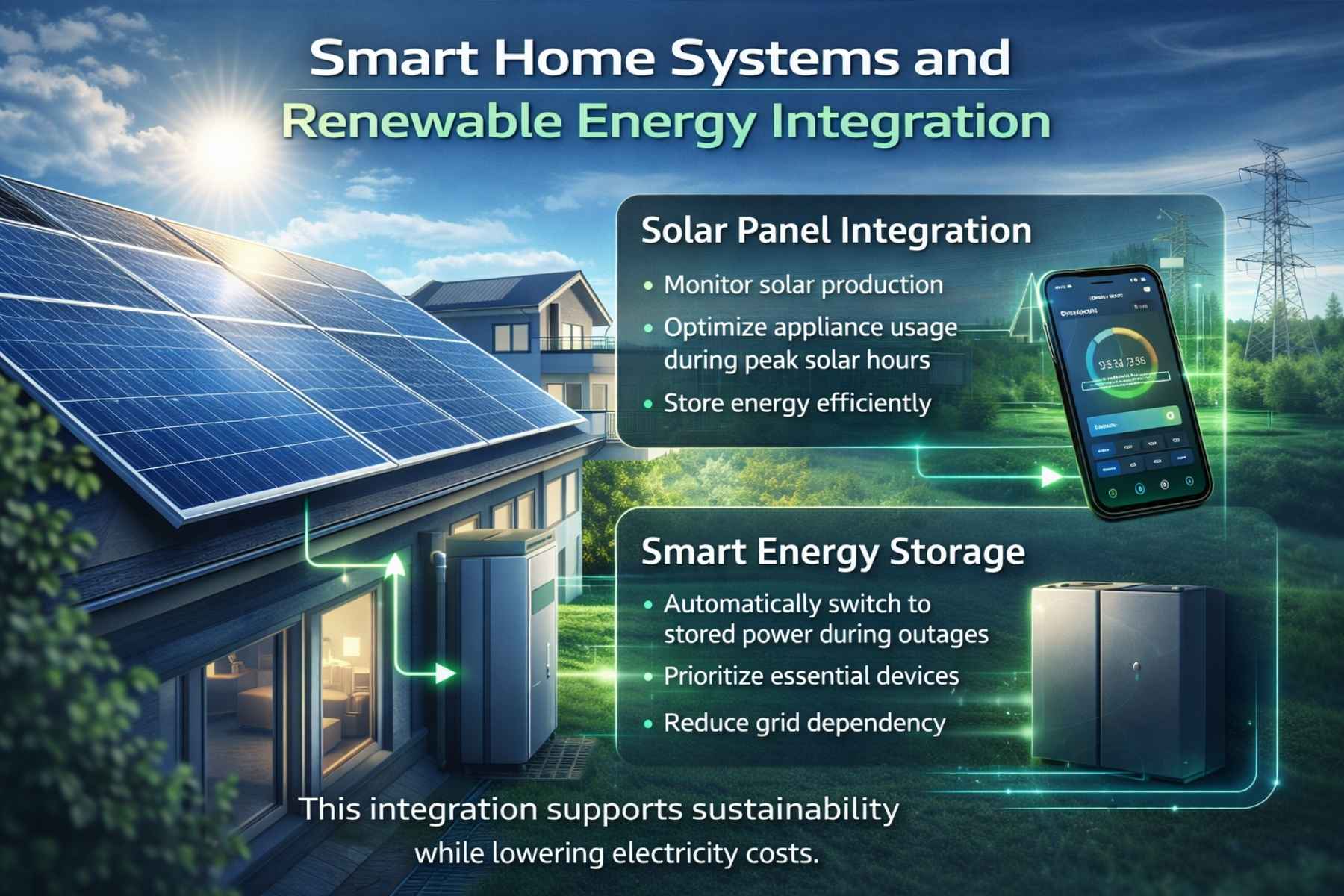
A growing trend in 2026 is combining Smart Home Systems with renewable energy solutions.
Solar Panel Integration
Smart systems can:
- Monitor solar production
- Optimize appliance usage during peak solar hours
- Store energy efficiently
Smart Energy Storage
When paired with battery systems, Smart Home Systems can:
- Automatically switch to stored power during outages
- Prioritize essential devices
- Reduce grid dependency
This integration supports sustainability while lowering electricity costs.
Smart Home Systems for Security Enhancement
Security-focused automation has become a major priority for homeowners worldwide.
Advanced security features include:
- AI-powered facial recognition
- Package detection alerts
- Intruder movement tracking
- Real-time emergency notifications
Some Smart Home Systems even integrate with emergency services for faster response
Smart Home Systems for Elderly and Accessibility
Home automation significantly improves accessibility for elderly individuals and people with disabilities.
Key benefits include:
- Voice-controlled lighting
- Fall detection alerts
- Medication reminders
- Emergency call triggers
- Remote monitoring by family members
Smart Home Systems create safer, more independent living environments.
Smart Home Systems in Smart Cities
As urban development advances, Smart Home Systems are becoming part of larger smart city infrastructures.
In many modern developments:
- Homes connect with utility grids
- Traffic updates integrate with home assistants
- EV charging stations sync with home energy systems
- Waste management systems provide automated alerts
The integration of home automation with public infrastructure is a major global trend.
Cloud vs Local Control in Smart Home Systems
Understanding the difference is important for beginners.
Cloud-Based Systems
- Controlled via internet servers
- Accessible from anywhere
- Easier setup
Local-Control Systems
- Operate without internet
- More private
- Faster response time
Many Smart Home Systems combine both for reliability and security.
Data Privacy and Smart Home Systems
Data privacy concerns are growing as more devices collect user information.
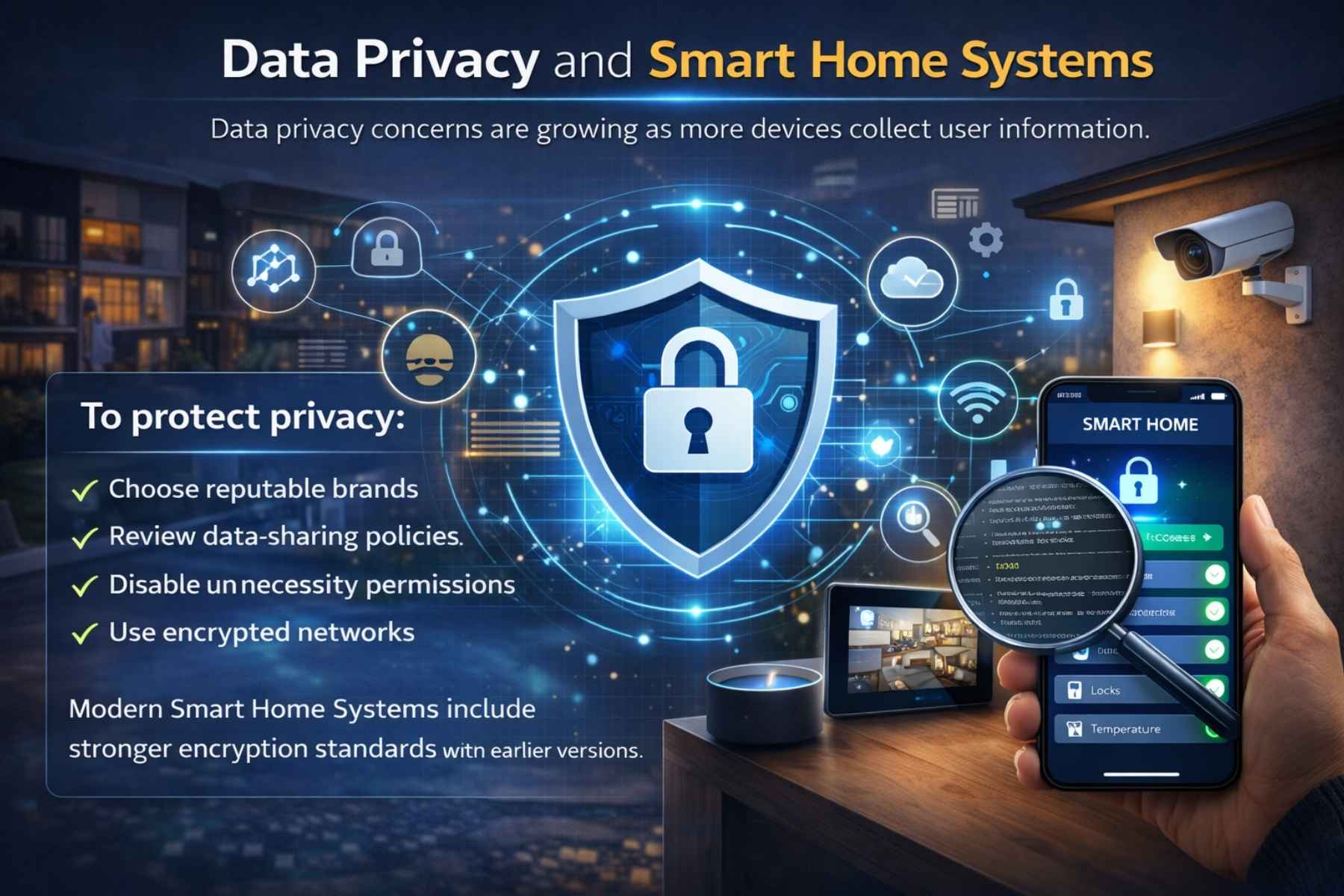
To protect privacy:
- Choose reputable brands
- Review data-sharing policies
- Disable unnecessary permissions
- Use encrypted networks
Modern Smart Home Systems include stronger encryption standards than earlier versions.
Future Trends of Smart Home Systems (2026 and Beyond)
The next phase of Smart Home Systems includes:
1. Matter Protocol Expansion
Universal compatibility between brands.
2. Edge Computing
Faster local processing without relying on cloud servers.
3. AI-Driven Personalization
Homes that adjust lighting, music, and climate automatically based on mood detection.
4. Integrated Health Monitoring
Smart mirrors and wearable integration for health tracking.
5. Fully Automated Smart Kitchens
Appliances coordinating meal preparation based on dietary preferences.
These trends show that Smart Home Systems are evolving beyond convenience toward lifestyle transformation.
How Businesses Use Smart Home Systems Technology
Commercial spaces are also adopting similar automation systems.
Applications include:
- Smart offices
- Energy-efficient buildings
- Automated meeting rooms
- Smart hospitality systems
- Remote property management
The technology behind Smart Home Systems is influencing the broader automation industry.
Return on Investment (ROI) of Smart Home Systems
Many homeowners wonder whether automation is financially worthwhile.
ROI comes from:
- Energy savings
- Increased property value
- Insurance discounts
- Reduced maintenance costs
- Enhanced security
Over 3–5 years, many Smart Home Systems pay for themselves through savings.
Are Smart Home Systems Difficult to Maintain?
Maintenance is minimal if:
- Devices are updated regularly
- Wi-Fi remains stable
- Batteries are replaced when needed
Modern Smart Home Systems are designed for long-term reliability.
Detailed Breakdown of Essential Smart Home Devices
To build reliable and scalable Smart Home Systems, understanding each device category is important. Let’s explore them in detail.
1. Smart Lighting Systems
Smart lighting is usually the first step for beginners because it’s affordable and easy to install.
Key Features:
- Remote on/off control
- Brightness adjustment
- Color customization
- Scheduling
- Motion-trigger automation
- Energy usage monitoring
Installation Difficulty:
Very easy. Most smart bulbs screw into existing sockets and connect via app.
Smart lighting forms the foundation of many Smart Home Systems because it introduces automation without complex wiring.
2. Smart Security Cameras
Security cameras are one of the most popular components of Smart Home Systems.
Features:
- Live video streaming
- Night vision
- Motion alerts
- Cloud storage
- Two-way audio
Indoor vs Outdoor Cameras:
Outdoor models are weather-resistant and ideal for entrances and driveways.
Security integration significantly increases homeowner confidence and peace of mind.
3. Smart Door Locks
Smart locks eliminate traditional keys and allow:
- Remote unlocking
- Temporary guest access codes
- Entry logs
- Auto-lock features
For renters and homeowners alike, smart locks enhance both convenience and safety.
4. Smart Thermostats
Heating and cooling consume a large portion of household energy. Smart thermostats optimize this automatically.
Benefits:
- Learning user behavior
- Geofencing temperature control
- Energy reports
- Automatic scheduling
Smart thermostats are among the most impactful additions to Smart Home Systems.
5. Smart Plugs
Smart plugs convert ordinary appliances into connected devices.
You can automate:
- Coffee machines
- Lamps
- Fans
- Heaters
- Chargers
They are affordable and extremely beginner-friendly.
6. Smart Sensors
Sensors enhance automation capabilities.
Common sensor types:
- Motion sensors
- Door/window sensors
- Temperature sensors
- Water leak detectors
- Smoke detectors
Sensors allow Smart Home Systems to respond automatically to environmental changes.
Smart Home Installation Checklist
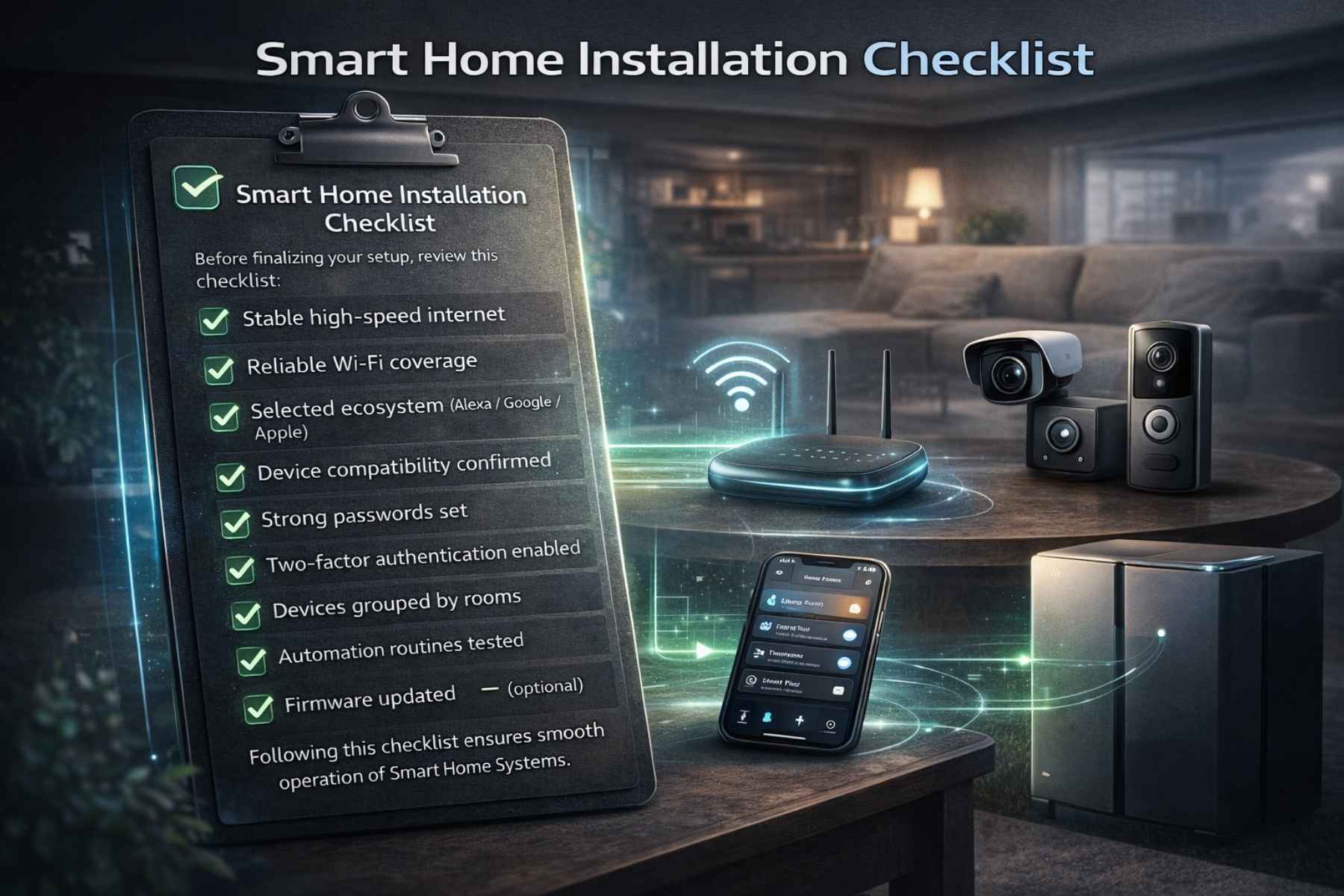
Before finalizing your setup, review this checklist:
✅ Stable high-speed internet
✅ Reliable Wi-Fi coverage
✅ Selected ecosystem (Alexa / Google / Apple)
✅ Device compatibility confirmed
✅ Strong passwords set
✅ Two-factor authentication enabled
✅ Devices grouped by rooms
✅ Automation routines tested
✅ Firmware updated
✅ Backup power solutions (optional)
Following this checklist ensures smooth operation of Smart Home System.
Real-World Beginner Setup Example
Let’s imagine a beginner installing Smart Home System in a small house.
Step 1: Living Room
- 3 smart bulbs
- 1 smart speaker
- 1 smart plug
Automation:
- Evening lighting routine
- Voice-controlled TV plug
Step 2: Entrance
- Smart lock
- Smart doorbell camera
Automation:
- Motion alert notification
- Auto-lock after 5 minutes
Step 3: Bedroom
- Smart bulb
- Smart thermostat
Automation:
- Night mode routine
- Temperature adjustment at 10 PM
Total Setup Cost:
Approximately $400–$700 depending on brand selection.
This example shows that Smart Home System can start simple yet powerful.
Smart Home Systems Comparison (Basic vs Advanced Setup)
| Feature | Basic Setup | Advanced Setup |
| Lighting Automation | Yes | Yes |
| Security Cameras | Optional | Yes (Multiple) |
| Smart Lock | Optional | Yes |
| Energy Monitoring | Limited | Advanced |
| AI Learning | Basic | Full AI Integration |
| Cost | $250–$600 | $1500+ |
Beginners should always start with a basic setup and expand gradually.
Wired vs Wireless Smart Home Systems
Wireless Systems
- Easier installation
- Ideal for renters
- Lower upfront cost
Wired Systems
- More stable connection
- Professional installation required
- Higher cost
- Ideal for new construction homes
For beginners, wireless Smart Home System are recommended.
Professional Installation vs DIY
DIY Installation
- Cost-effective
- Beginner-friendly devices available
- Good for small setups
Professional Installation
- Ideal for large homes
- Complex integrations
- Advanced security systems
Most entry-level Smart Home System are designed for easy DIY installation.
Maintenance and Long-Term Care
To keep Smart Home System running efficiently:
- Replace batteries annually
- Update firmware regularly
- Restart routers occasionally
- Review automation routines
- Check camera storage settings
Maintenance ensures long-term reliability.
Troubleshooting Common Issues
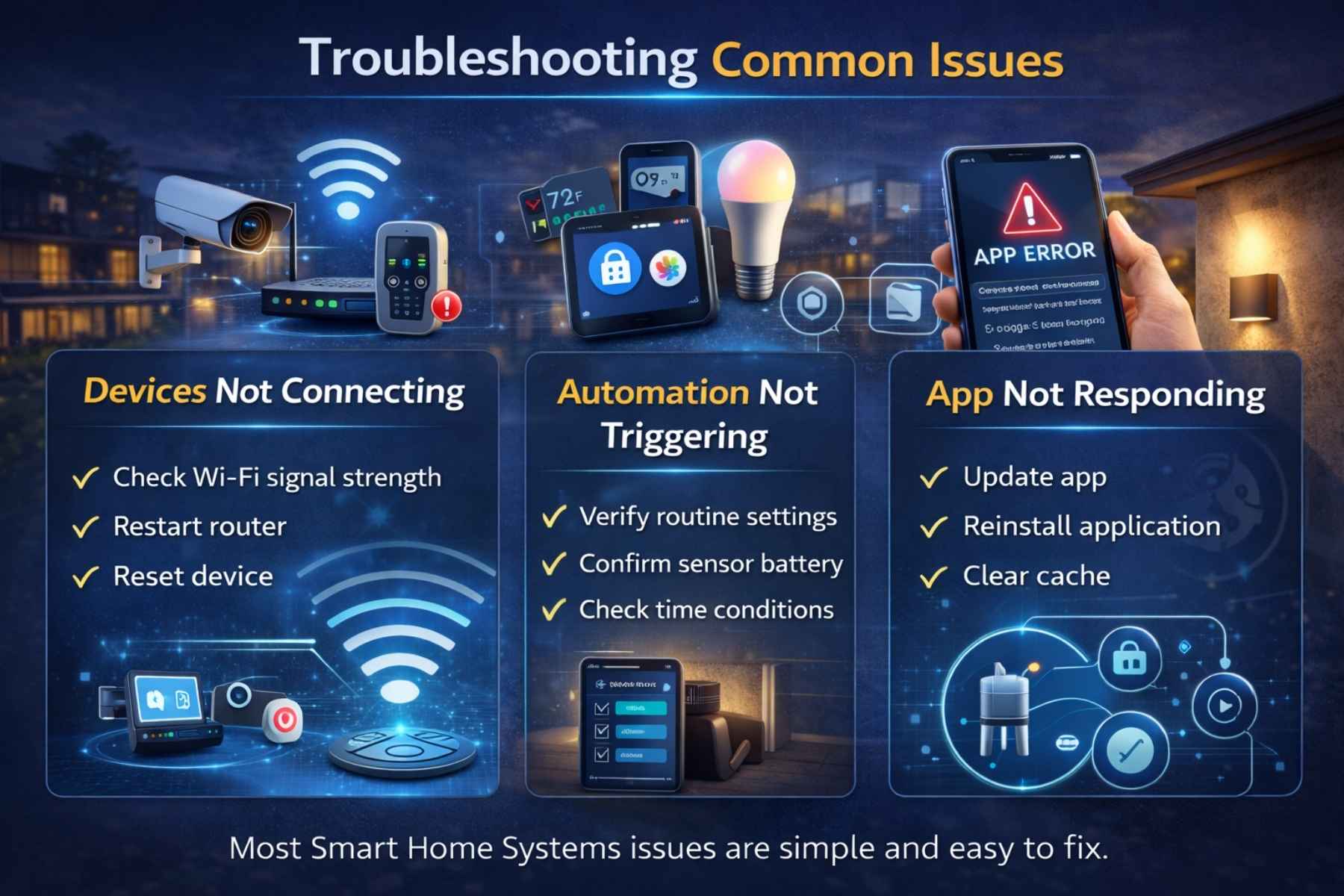
Devices Not Connecting
- Check Wi-Fi signal strength
- Restart router
- Reset device
Automation Not Triggering
- Verify routine settings
- Confirm sensor battery
- Check time conditions
App Not Responding
- Update app
- Reinstall application
- Clear cache
Most Smart Home System issues are simple and easy to fix.
Smart Home Systems and Insurance Benefits
Many insurance providers offer discounts for homes equipped with:
- Security cameras
- Smoke detectors
- Smart locks
- Leak detection sensors
Improved security lowers risk, which can reduce premiums.
Pros and Cons of Smart Home Systems
Before fully committing to automation, it’s important to understand both advantages and limitations.
Pros of Smart Home Systems
1. Convenience & Automation: Control lighting, temperature, security, and appliances from one app or voice command.
2. Energy Efficiency: Smart thermostats and lighting reduce unnecessary power usage.
3. Enhanced Security: Real-time alerts, remote monitoring, and smart locks improve safety.
4. Remote Access: Manage your home from anywhere in the world.
5. Increased Property Value: Homes equipped with Smart Home Systems are attractive to modern buyers.
Cons of Smart Home Systems
1. Initial Setup Cost: Although scalable, advanced systems can be expensive.
2. Internet Dependency: Most Smart Home Systems rely on stable connectivity.
3. Privacy Concerns: Data collection requires responsible security practices.
4. Learning Curve: Beginners may need time to understand automation features.
Despite minor drawbacks, the long-term benefits often outweigh the challenges.
Expert Tips for Beginners
To maximize your investment in Smart Home Systems, follow these professional recommendations:
Start Small and Scale Gradually
Begin with lighting or smart plugs before expanding to full security and HVAC automation.
Prioritize Compatibility
Choose devices that work within a single ecosystem to avoid integration issues.
Invest in a Strong Router
A stable Wi-Fi network is the backbone of Smart Home Systems.
Secure Your Network
Enable two-factor authentication and create unique passwords.
Focus on Automation, Not Just Remote Control
True smart living comes from automation routines, not manual app control.
The Future of Smart Living
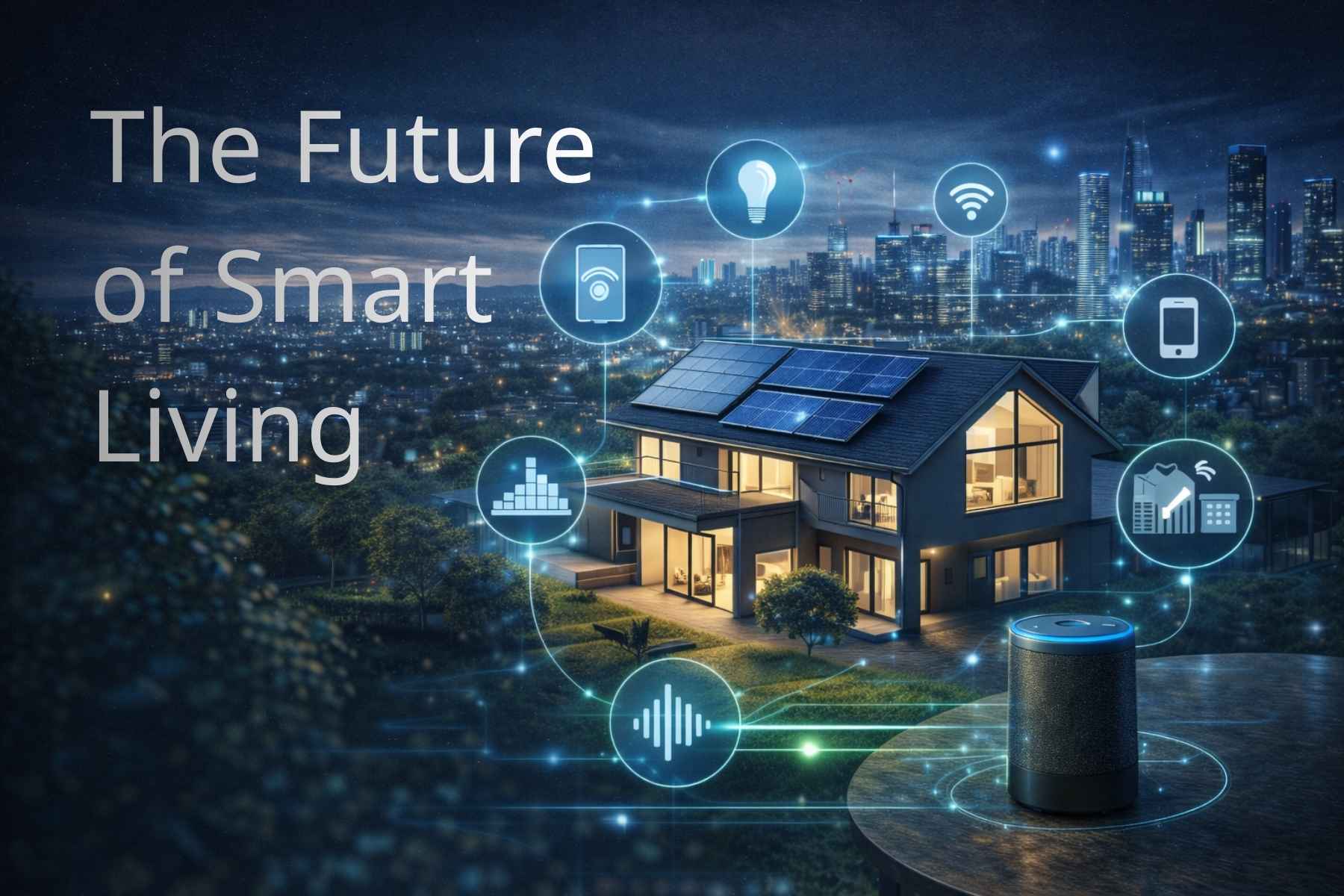
Smart Home System are no longer futuristic luxury items. They are becoming standard features in modern homes across the globe.
As AI technology advances and device compatibility improves through universal standards, automation will become even more seamless, intuitive, and secure.
In the near future, homes will:
- Predict user preferences
- Automatically optimize energy usage
- Integrate health monitoring systems
- Communicate with city infrastructure
- Provide fully voice-controlled environments
Smart living is evolving from convenience to intelligent lifestyle enhancement.
Frequently Asked Questions
1. What are Smart Home Systems?
Smart Home Systems are connected networks of intelligent devices that automate and control various household functions such as lighting, security, temperature, and appliances through internet connectivity.
2. Are Smart Home Systems expensive?
Not necessarily. A beginner setup can start between $250–$600. Advanced systems cost more but can be expanded gradually.
3. Do Smart Home Systems work without the internet?
Some devices offer limited local control, but most Smart Home Systems require internet for remote access and cloud-based automation.
4. Are Smart Home Systems secure?
Yes, when properly configured with strong passwords, encryption, and regular updates. Security depends on responsible usage.
5. Can renters install Smart Home Systems?
Yes. Wireless devices such as smart plugs, bulbs, and cameras are ideal for rental properties because they require no permanent modifications.
6. Do Smart Home Systems increase home value?
Yes. Modern buyers view home automation as a premium feature, increasing resale appeal.
7. What is the easiest smart device to install?
Smart bulbs and smart plugs are the easiest entry-level devices for beginners.
8. Can Smart Home Systems reduce electricity bills?
Yes. Smart thermostats and lighting automation can significantly lower energy consumption.
9. How long do Smart Home devices last?
Most devices last 5–10 years depending on brand quality and maintenance.
10. Is professional installation required?
No. Most beginner Smart Home Systems are designed for DIY installation.
Final Thoughts
Smart Home System offer a powerful combination of convenience, security, efficiency, and innovation. For beginners, the key is to start small, choose compatible devices, and build gradually.
Whether your goal is reducing energy bills, improving security, or simply enjoying hands-free convenience, Smart Home System provide scalable solutions for every type of home.
With proper planning, secure configuration, and thoughtful automation, you can transform your house into a modern, intelligent living space.
The future of comfortable, efficient, and connected living starts with one smart decision.
Explore More: Samsung Galaxy Buds 4 2026: Latest Leaks, Features, Battery Life & Launch Details